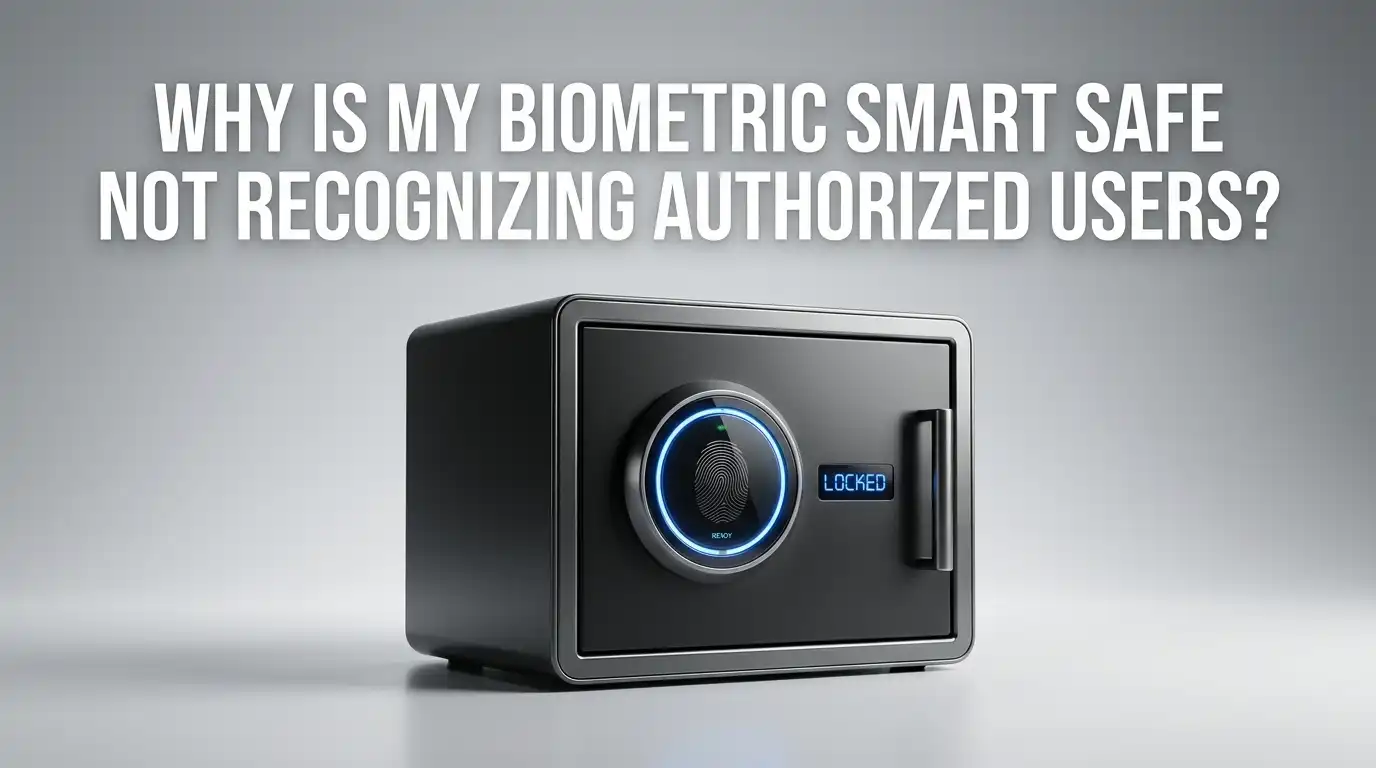
Why Is My Biometric Smart Safe Not Recognizing Authorized Users?
You press your finger on the scanner. The light blinks. Nothing happens. You try again, slower this time, and the safe still refuses to open. Your fingerprint worked fine last week. Now, your biometric smart safe acts like it has never seen you before.
This is one of the most common and frustrating problems smart safe owners face. You paid for quick, keyless access, and suddenly the technology fails you at the worst moment.
The good news is that most biometric recognition failures are fixable at home without calling a locksmith or replacing the safe. Dirty sensors, low batteries, skin changes, and software glitches are often the real culprits.
Key Takeaways
- Dirty sensors cause most recognition failures. Dust, oil, and grime build up on fingerprint readers over time. A quick wipe with a soft, lint free cloth solves this problem in seconds. Regular cleaning keeps your biometric sensor accurate and responsive.
- Low or dying batteries weaken scanner performance. Even if your safe still lights up, weak batteries reduce the power available to the fingerprint sensor. Replace batteries every six to twelve months, or sooner if the safe shows a low battery warning.
- Skin condition changes affect fingerprint reading. Dry, wet, cracked, or calloused fingers produce different scan results than the fingerprint stored during enrollment. Moisturize dry hands and dry wet fingers before scanning for the best results.
- Re enrolling fingerprints fixes persistent issues. If your safe keeps rejecting a stored fingerprint, delete it and register it again. Place your finger slowly and deliberately during enrollment. Adding the same finger twice from slightly different angles improves daily recognition accuracy.
- Environmental factors matter more than you think. Extreme cold, heat, and humidity affect both your skin and the sensor hardware. Safes stored in garages, basements, or near windows may experience more frequent recognition problems because of temperature swings.
- Always keep a backup access method ready. Use a PIN code, backup key, or app based unlock as a secondary entry method. This prevents total lockout while you troubleshoot biometric issues.
How Biometric Smart Safes Read Your Fingerprint
A biometric smart safe does not store an actual image of your fingerprint. Instead, it converts your fingerprint ridges, valleys, and patterns into a digital template during enrollment. Every time you touch the scanner, the safe captures a new scan and compares it against that stored template.
If the new scan matches closely enough, the safe opens. If too many data points differ, the safe rejects the attempt. This system works fast, often in under one second, but it depends on consistent contact between your finger and the sensor.
Small changes in how you place your finger can cause a mismatch. Pressing too lightly, using the edge of your fingertip, or scanning at a different angle can all produce a reading that does not match the original template. The safe is not broken in these cases. It is doing exactly what it was built to do: compare precise data points.
Understanding this basic process helps you troubleshoot more effectively. Most fixes come down to improving the quality of the scan rather than repairing the hardware.
Dirty or Obstructed Sensors Are the Most Common Cause
The number one reason biometric smart safes stop recognizing authorized users is a dirty fingerprint sensor. Every time someone touches the scanner, they leave behind oils, moisture, and tiny particles. Over weeks and months, this residue builds up and blocks the sensor from capturing a clear reading.
Think of it like a camera lens covered in smudges. The camera still works, but the picture comes out blurry. Your fingerprint scanner faces the same problem. Even a thin layer of grime can reduce accuracy enough to cause repeated rejections.
The fix is simple. Wipe the sensor surface gently with a soft, dry, lint free microfiber cloth. Avoid paper towels, which can scratch the sensor. Do not spray cleaning fluid directly onto the scanner. If the buildup is stubborn, lightly dampen the cloth with a small amount of isopropyl alcohol and wipe in a single direction.
Pros: This is free, fast, and solves the problem immediately in most cases.
Cons: You need to make it a habit. Without regular cleaning, the issue will return.
Low Battery Power Reduces Sensor Accuracy
Your biometric safe may still light up and appear functional even when the batteries are running low. However, a weak power supply directly affects how well the fingerprint sensor performs. The scanner needs consistent voltage to capture a detailed reading. When battery power drops, the sensor may produce incomplete or low quality scans.
Many users overlook this because the keypad or display still works. But the biometric scanner is one of the most power hungry components in a smart safe. It is often the first feature to suffer when batteries weaken.
Replace your safe’s batteries with a fresh set of the type recommended by the manufacturer. Most biometric safes use AA or 9V batteries. After replacing them, test the fingerprint scanner immediately to see if performance improves.
Pros: Battery replacement is cheap and takes less than a minute.
Cons: You may not receive a clear low battery warning on all models, so periodic replacement is the safest approach.
Skin Condition Changes Affect Recognition
Your fingerprints are unique, but they are not perfectly identical every single day. Dry skin, moisture, cuts, calluses, and even aging can change how your fingerprint appears to the scanner. If your fingers are very dry, the ridges may not press firmly enough against the sensor. If your fingers are too wet, the moisture can blur the scan.
People who work with their hands often notice this problem more. Manual labor, frequent handwashing, and exposure to chemicals can all wear down or alter fingerprint patterns over time. Seasonal weather changes also play a role. Cold, dry winter air can crack skin on your fingertips, while humid summer conditions may cause excess moisture.
Before scanning, make sure your finger is clean, dry, and at room temperature. If your skin tends to be very dry, apply a small amount of hand lotion and let it absorb for a minute before using the scanner. This restores enough moisture for the sensor to get a clear reading.
Pros: Adjusting skin condition before scanning costs nothing and works quickly.
Cons: This requires awareness and preparation each time, which can feel inconvenient.
Incorrect Finger Placement Leads to Rejection
Biometric scanners expect consistency in how you place your finger. During enrollment, the safe records the specific area of your fingertip that you pressed against the sensor. If you use a different part of your finger, apply less pressure, or change the angle during daily use, the safe may not find a match.
This is especially common when users are in a hurry or trying to unlock the safe one handed. A slight shift in finger position can move the scanned area away from the enrolled zone, causing a rejection even though the correct finger is being used.
The solution is awareness. When you scan your fingerprint, place your finger flat and centered on the sensor. Use the same amount of pressure you used during enrollment. Avoid tilting your finger to one side. If you are unsure which position you originally enrolled, delete the fingerprint and re register it using the position that feels most natural for daily use.
Pros: Correcting finger placement is immediate and requires no tools or cost.
Cons: Building a consistent scanning habit takes a few days of conscious effort.
Temperature and Humidity Impact Scanner Performance
Your biometric safe’s environment matters. Extreme temperatures and high humidity can reduce sensor accuracy and even cause temporary hardware slowdowns. Fingerprint scanners perform best at moderate room temperatures between 60°F and 80°F.
If your safe sits in an unheated garage, a damp basement, or near a window with direct sunlight, the sensor may struggle. Cold temperatures can make the sensor sluggish and also dry out your fingertips. High humidity can cause condensation on the scanner surface, which blurs readings.
Move your safe to a climate controlled area if possible. If relocation is not an option, wipe the sensor before each use to remove any condensation. Allow your hands to warm up before scanning if you have been outside in cold weather.
Pros: Environmental adjustments provide long lasting improvements in scanner reliability.
Cons: Moving a heavy safe is not always practical, and some locations offer limited climate control options.
Re Enrolling Fingerprints Solves Persistent Failures
If your biometric safe keeps rejecting your fingerprint after cleaning the sensor and replacing batteries, the stored fingerprint data may be the problem. The original enrollment scan might be low quality, outdated, or no longer a close match to your current fingerprint.
Deleting the stored fingerprint and re registering it fresh is one of the most effective fixes available. This creates a new digital template based on your finger as it is right now, not as it was months or years ago.
During re enrollment, follow these steps. Place your finger slowly and firmly on the sensor. Follow the prompts completely. Many safes ask you to lift and replace your finger several times to capture multiple angles. Do not rush this process. If your safe allows multiple fingerprint slots, register the same finger twice using slightly different angles. This gives the system a broader reference to match against during daily use.
Pros: Re enrollment dramatically improves recognition accuracy and is built into every biometric safe.
Cons: You need to access the safe first using a backup method (key, PIN) to perform the reset.
Firmware and Software Glitches Can Cause Malfunctions
Like any digital device, biometric smart safes run on internal software. Bugs, outdated firmware, and software conflicts can all cause the fingerprint scanner to behave unpredictably. Some users report that their safe worked perfectly until a firmware update changed the scanner’s behavior.
Check your safe manufacturer’s website or app for available firmware updates. Many modern safes connect to a smartphone app that handles updates automatically. If a recent update caused problems, look for a patch or contact the manufacturer for guidance.
In some cases, performing a factory reset on the safe’s software resolves persistent glitches. This typically erases all stored fingerprints and settings, so you will need to re enroll every authorized user afterward. Consult your safe’s manual for the exact reset procedure, as the steps vary by brand and model.
Pros: Software updates and resets can fix problems that no amount of cleaning or re enrollment will solve.
Cons: Factory resets erase all data and require full reconfiguration. Updates can occasionally introduce new issues.
Managing Multiple Authorized Users Effectively
Biometric safes that store fingerprints for several users can develop recognition issues over time. The more fingerprints stored in the system, the longer each comparison takes, and some lower end safes may struggle with accuracy when the user database is full.
Review your safe’s stored fingerprint list regularly. Remove fingerprints for people who no longer need access. This frees up system resources and reduces the chance of false matches or slow processing.
If you manage a safe shared by family members or coworkers, confirm that each person’s enrollment was done correctly. Ask each user to test their fingerprint after you clean the sensor and replace batteries. One poorly enrolled fingerprint can slow down the entire system on some models.
Pros: Trimming the user list improves speed and accuracy for everyone who remains enrolled.
Cons: You must coordinate with all users and re enroll anyone whose fingerprint was accidentally deleted.
Always Maintain a Backup Access Method
No biometric system is perfect 100% of the time. Even well maintained safes will occasionally reject a valid fingerprint due to a temporary skin issue or sensor hiccup. Every biometric safe owner should keep at least one backup access method active and tested at all times.
Most biometric safes offer secondary access through a PIN code, physical override key, or smartphone app. Test your backup method once a month to confirm it works. Store backup keys in a secure, separate location. Keep your PIN written in a safe place that only you know.
If your safe offers app based access, ensure the app stays updated and that your phone’s Bluetooth or Wi Fi connection to the safe remains paired. A backup method that you have never tested is almost as risky as having no backup at all.
Pros: Backup access guarantees you are never fully locked out during a biometric failure.
Cons: Physical keys can be lost, and PINs can be forgotten if not used regularly.
When to Contact the Manufacturer or a Professional
Sometimes the problem is beyond home troubleshooting. If you have cleaned the sensor, replaced batteries, re enrolled fingerprints, and checked for software updates but the safe still fails to recognize any user, the hardware may be faulty.
Contact your safe’s manufacturer and describe the steps you have already taken. Many brands offer warranty support or can walk you through advanced diagnostic steps. Some manufacturers will replace the biometric module if it is confirmed defective.
If your safe is out of warranty, a certified locksmith who specializes in electronic safes can inspect the scanner hardware and wiring. Do not attempt to open the safe’s internal electronics yourself, as this can void remaining warranty coverage and create new problems.
Pros: Professional help can resolve hardware level issues that no DIY fix will address.
Cons: Manufacturer support may involve wait times, and locksmith visits can be costly.
Simple Maintenance Habits That Prevent Future Problems
Prevention is far easier than troubleshooting. A few minutes of monthly maintenance will keep your biometric safe reliable for years. Build these habits into your routine to avoid recognition failures before they start.
Wipe the fingerprint sensor with a microfiber cloth once a week. Replace batteries on a fixed schedule, such as every six months, rather than waiting for a low battery warning. Store your safe in a room with stable temperature and moderate humidity. Test each authorized user’s fingerprint once a month. Keep firmware updated through the manufacturer’s app or website.
These simple steps address every major cause of biometric failure discussed in this guide. A clean sensor, fresh batteries, good skin condition, and current enrollment data will keep your safe opening smoothly every time you need it.
Frequently Asked Questions
Why does my biometric safe recognize some fingers but not others?
Each finger has a unique pattern, and some fingers produce clearer scans than others. Thumbs and index fingers typically work best because they have larger surface areas. If a specific finger keeps failing, try re enrolling it or switch to a finger that makes fuller contact with the sensor.
Can cold weather stop my biometric safe from working?
Yes. Cold temperatures can make the scanner slower and cause your fingertips to dry out and shrink slightly. Both of these factors reduce scan quality. Warm your hands before scanning and keep your safe in a climate controlled space if possible.
How often should I clean my biometric safe’s fingerprint sensor?
Once a week is ideal for safes that get daily use. If multiple people use the safe, you may need to clean it more often. Use a soft, dry microfiber cloth and avoid spraying liquid directly onto the sensor surface.
Will a factory reset fix my biometric safe’s recognition problems?
A factory reset can resolve software related issues by clearing corrupted data and restoring default settings. However, it erases all stored fingerprints and settings. Use it as a last resort after trying simpler solutions like cleaning, battery replacement, and re enrollment.
Is it normal for biometric safes to fail occasionally?
Yes. No biometric system achieves 100% accuracy at all times. Minor variations in skin condition, finger placement, and environmental conditions can cause occasional rejections. This is why keeping a backup access method active is so important for every biometric safe owner.

Hi, I’m Jessamine Rowell, the founder and voice behind ResizeMake (https://resizemake.com/), a space where I share my love for technology with the world. I write detailed and honest reviews on the latest tech products, gadgets, electronic devices, and trending Amazon items to help readers make smarter buying decisions.