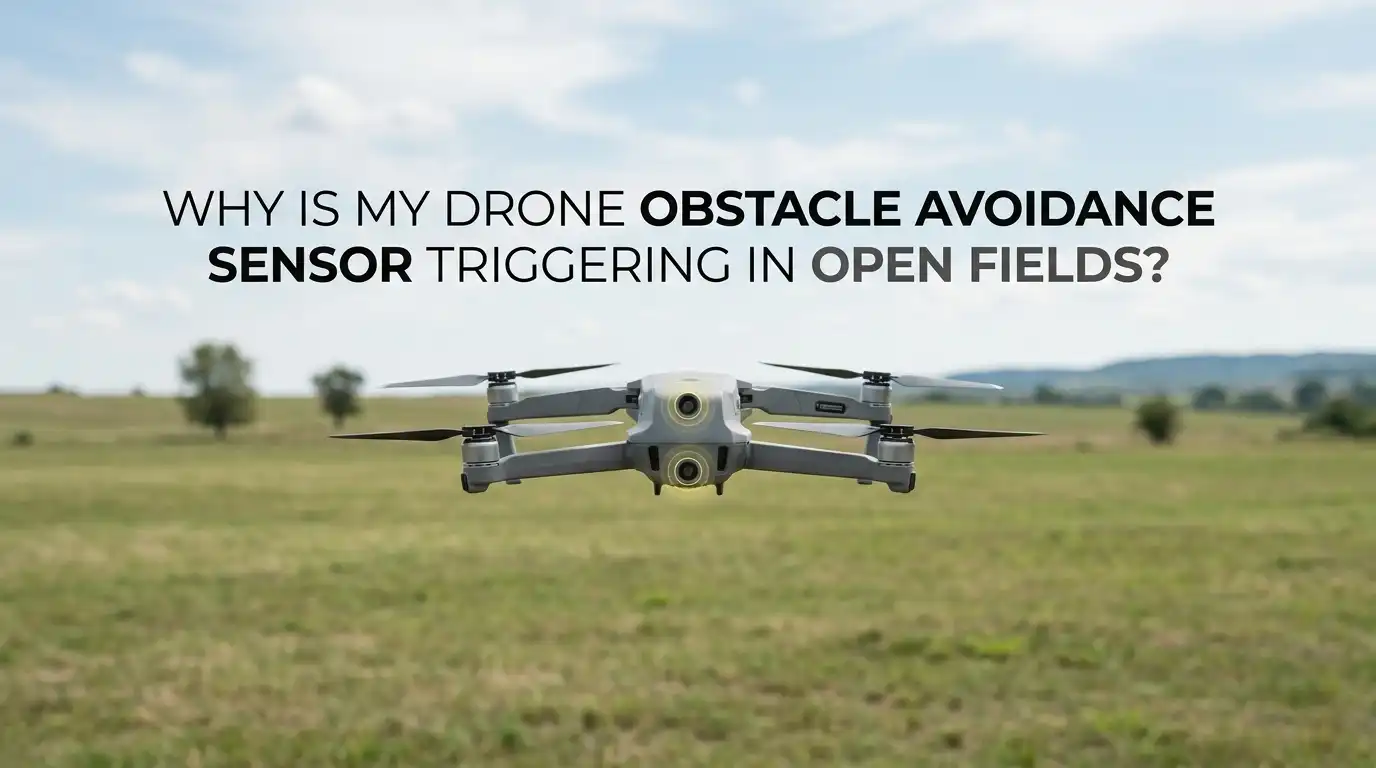
Why Is My Drone Obstacle Avoidance Sensor Triggering In Open Fields?
You launch your drone into a wide open field. There are no trees, no buildings, and no power lines anywhere near you. Yet your screen flashes a warning. The drone slows down, brakes hard, or refuses to move forward.
It thinks something is blocking the path. But nothing is there. This is one of the most confusing problems drone pilots face, and it can ruin a perfectly good flight.
This guide walks you through every reason your obstacle avoidance triggers in empty space, and gives you practical solutions for each one. By the end, you will know exactly what to check and how to get back to smooth, confident flying.
In a Nutshell
- Low sun angle is the number one cause. Direct sunlight hitting the sensors at sunrise or sunset confuses the vision system and creates phantom obstacles that are not really there.
- Dirty or fogged sensors create false readings. Dust, grass stains, fingerprints, and condensation block the lenses and trick the drone into braking for nothing.
- Reflective surfaces below or ahead fool the cameras. Wet grass, puddles, shiny crops, and flat water reflect light and patterns that the sensors read as solid objects.
- Bad calibration and old firmware cause repeated errors. A sensor that was never calibrated correctly, or a drone running outdated software, will keep misjudging open space.
- Sensor type matters a lot. Infrared, vision, and radar sensors each fail in different ways, so knowing your system helps you target the real fix.
- You can solve most cases without sending the drone for repair. Cleaning, recalibrating, updating, and changing your flight angle fix the large majority of false triggers.
Understanding How Drone Obstacle Avoidance Works
Before you fix the problem, you should know how the system thinks. Your drone does not see the world the way you do. It uses sensors to build a rough map of nearby objects.
Vision sensors use two small cameras to judge distance, much like your two eyes. Infrared sensors bounce invisible light off surfaces. Radar or ToF sensors measure how long signals take to return.
The system compares what it expects with what it detects. When readings look strange, it assumes danger and brakes. This is a safety first design. The drone would rather stop for nothing than crash into something.
So in an open field, a false trigger means the sensor received data it could not explain. Knowing this helps you understand that the drone is not broken. It is simply confused by its surroundings.
Low Sun Angle Is The Most Common Culprit
This is the reason most pilots overlook. Early morning and late evening sun sits low on the horizon. When that light shines straight into the forward or downward vision sensors, it washes out the camera image. The system sees a bright, distorted blur and reads it as a wall.
DJI and other makers have confirmed this is a known behavior on many models. The Mini 4 Pro, Air series, and Mavic line all show it. To fix it, change your flight direction so the sun is behind or beside the drone, not in front of the lenses. You can also raise your altitude slightly so the angle changes.
Pros of this fix: it is free, instant, and needs no tools.
Cons: it limits your shooting angles during golden hour, which is often the best light for video.
Dirty Sensors Trick The Cameras Into Seeing Objects
Sensors are tiny and they sit on the body where dust loves to settle. A smudge, a grass stain, or a single fingerprint can block enough light to cause false readings. After a flight through tall grass or a dusty takeoff, your lenses may be coated without you noticing.
The fix is simple. Power off the drone first. Then use a soft microfiber cloth and gently wipe each sensor window. For stubborn spots, breathe lightly on the glass or use a tiny drop of lens cleaner. A soft air blower removes loose dust before you wipe.
Never use paper towels or your shirt, because they scratch the coating. Pros of cleaning: it is cheap and solves a huge share of cases. Cons: you must do it often, and deep grime sometimes needs careful repeated cleaning to fully clear.
Condensation And Fog On The Lenses Cause Phantom Triggers
This one catches pilots in cool or humid weather. When you move a cold drone into warm air, or fly near water, moisture forms on the sensor glass. That thin film of fog scatters light and the system reads the haze as a nearby object. You will often see the warning appear right after takeoff on a damp morning.
To fix it, let your drone sit in the open air for a few minutes before flying so the temperature evens out. Wipe any visible moisture with a dry microfiber cloth. Storing your drone with a small silica gel pack helps too.
Pros of this approach: it costs almost nothing and prevents future fogging. Cons: you must plan ahead and wait, which is annoying when you want to fly fast on a cold day. Patience here saves you a wasted flight.
Reflective Ground Surfaces Confuse Downward Sensors
Open fields are not always plain dirt. Wet grass, puddles, snow, sand, and shiny crops all reflect light in ways that scramble the downward vision system. The drone expects to see texture and pattern on the ground to hold its position. When the surface mirrors the sky, the sensor loses its reference and may report a false obstacle or drift.
The fix depends on the surface. Fly a little higher so the reflection has less effect, or move to ground with more visible texture. Over large water bodies, many pilots turn off the downward vision system on purpose.
Pros of adjusting altitude: quick and effective on most surfaces. Cons: turning off sensors removes a safety layer, so you must fly more carefully and watch the drone closely the whole time.
Tall Grass And Crops Read As Solid Walls
A field that looks open to you may not look open to the drone. Tall grass, wheat, corn, and dense weeds form a textured surface that the forward sensors can read as a vertical barrier. If you fly low and forward through a meadow, the system may brake because it sees a wall of vegetation ahead.
The simple fix is altitude. Climb above the height of the tallest plants before you move forward. Give yourself a clear margin of a few meters. You can also approach from an angle rather than straight into the growth.
Pros of flying higher: it removes the trigger and keeps the drone safe. Cons: you lose those dramatic low ground level shots that skim across the field. In that case, slow manual flight with extra care is the safer trade.
Incorrect Vision Sensor Calibration Creates Repeated Errors
If the false triggers happen everywhere, not just in certain light, calibration is likely the cause. Calibration teaches the cameras how to judge distance correctly. When it drifts or was never done after a firmware update, the drone misreads open space again and again.
You calibrate vision sensors using the maker’s desktop software, such as DJI Assistant 2. Connect the drone to a computer and follow the on screen pattern alignment steps. Calibrate in a room with soft, indirect light. Avoid bright glare or screens at an angle, because that causes the calibration itself to fail.
Pros: a proper calibration often fixes long standing issues for good. Cons: it takes time, needs a computer and cable, and a failed calibration can be frustrating to repeat until you get the lighting and angle right.
Outdated Firmware Causes Sensor Logic Glitches
Drone makers improve obstacle avoidance through software, not just hardware. Old firmware can carry bugs that cause the sensors to misjudge open areas. Many pilots report that a simple update cleared up false braking that had bothered them for weeks.
To fix it, open your flight app and check for both aircraft and remote controller updates. Install everything available. If problems continue, some pilots reflash or reinstall the firmware through the desktop assistant software to clear corrupted files.
Always update on a full battery and a stable connection so the process does not interrupt. Pros of updating: it is free, official, and often improves more than one issue at once. Cons: updates occasionally introduce new quirks, and a failed update can temporarily disable features until you reinstall the correct version.
Propeller Guards And Accessories Block The Field Of View
Add ons can cause problems you never expect. Propeller guards, large filters, payload mounts, and even stickers placed near the sensors can sit inside the camera view. The drone sees part of your accessory and reads it as a constant nearby obstacle. Some models disable obstacle avoidance entirely once they detect guards.
The fix is to remove any accessory near the sensor windows and test the drone again in the open. Check that nothing sits in front of the forward, downward, or rear lenses.
Pros of removing accessories: it instantly rules out a simple physical cause. Cons: you lose the protection that guards provide, so for indoor or crowded flying you may need to accept reduced avoidance with the guards on. Read your model’s manual to see which accessories it supports.
Infrared Sensor Interference From Heat And Light
Some drones use infrared sensors for downward or close range sensing. These sensors react to heat signatures and reflected invisible light. In an open field, hot ground, sunbaked rock, dark asphalt, or strong direct sun can all flood the infrared sensor with signals. The drone then reports an obstacle that does not exist.
To fix it, avoid hovering low over hot, dark surfaces in the middle of a sunny day. Fly higher or move to cooler, lighter ground. Shading the sensor area is not practical in flight, so altitude and timing are your tools.
Pros of this approach: it sidesteps a sensor weakness without any hardware change. Cons: infrared limits are built into the sensor design, so you cannot remove them fully. You simply learn to fly around the conditions that set them off.
Adjusting Sensitivity And Avoidance Settings In The App
Most modern drones let you change how aggressive the avoidance system behaves. You can usually pick between brake, bypass, or off. If your drone brakes too eagerly in safe open space, lowering the response can give you smoother flight.
To do this, open the safety or obstacle avoidance menu in your flight app and review the options. Switch from brake to bypass if your model offers it, so the drone steers around rather than stopping dead.
Only turn avoidance off completely when you are experienced and the area is truly clear. Pros of tuning settings: you keep control and reduce annoying false stops. Cons: lower sensitivity or disabled avoidance removes a real safety net, so the risk of a true collision rises if you misjudge your surroundings later in the flight.
Performing A Proper Pre Flight Self Calibration Routine
A small habit prevents many problems. After takeoff, modern drones run a quick self calibration when they fly gently in open space. Makers like DJI recommend a short low altitude flight of one to three minutes in a clear area to let the sensors settle and align.
To do this, take off, climb a few meters, and fly slow, smooth movements forward, back, and sideways before your main flight. This gives the cameras a clean reference of the open ground.
Pros of this routine: it is free, fast, and primes the sensors for accurate readings. Cons: it adds a couple of minutes to every session and uses a little battery. Over time it becomes second nature, and you will notice far fewer random triggers once you build the habit.
When To Reset, Repair, Or Contact Support
Sometimes you try everything and the warnings still come. If cleaning, calibration, updates, and angle changes all fail, the issue may be a hardware fault. A cracked sensor window, a loose internal cable, or a damaged camera will keep firing false alerts no matter what you do.
At this point, back up your settings and try a full factory reset through the app. If that does not help, contact the maker’s official support with your flight logs and a clear description.
Pros of professional repair: trained technicians fix faults you cannot reach safely. Cons: it costs money and time, and you lose the drone for the repair period. Always exhaust the free software and cleaning steps first, since they solve most cases and save you the trip.
Frequently Asked Questions
Why does my drone stop in mid air when nothing is in front of it?
Your sensors are reading something they cannot explain. The most common causes are low sun glare, a dirty lens, or a reflective surface below. Clean the sensors, change your angle relative to the sun, and climb a little higher. If the problem repeats everywhere, calibrate the vision sensors and update your firmware to clear software bugs.
Can I just turn off obstacle avoidance to stop the false triggers?
You can, and many pilots do for open field flying. But turning it off removes your safety net. If you misjudge a wire, tree, or person later, the drone will not brake for you. Only disable it when the area is truly clear and you feel confident flying fully manual. A safer choice is to switch from brake mode to bypass mode if your drone offers it.
Does flying at sunset really cause false obstacle warnings?
Yes, very often. Low angle sunlight shines straight into the forward and downward cameras and washes out the image. The system reads that bright blur as a wall. This is a known issue on many popular models. Fly with the sun behind or beside the drone, raise your altitude, or wait until the sun sits higher to avoid the glare.
How often should I clean my drone sensors?
Wipe them before most flights and always after flying through dust, grass, or damp air. A quick check takes seconds and prevents a large share of false triggers. Power off the drone, use a soft microfiber cloth, and remove any smudge or moisture. Avoid paper and rough fabric, since they scratch the protective coating on the sensor glass.
Will a firmware update fix my obstacle avoidance problems?
Often it will. Makers improve sensor logic through software updates, and many false trigger bugs get patched this way. Open your flight app, install all available aircraft and controller updates, and test again. If the issue continues after updating, try recalibrating the sensors or reinstalling the firmware through the official desktop software before assuming a hardware fault.
Is it normal for obstacle avoidance to trigger over water or wet grass?
Yes, this is expected behavior. Water, puddles, and wet grass reflect light and confuse the downward sensors that hold the drone steady. Fly higher to reduce the effect, or move to ground with more visible texture. Over large water bodies, experienced pilots often turn off the downward vision system and fly with extra care and constant visual contact.

Hi, I’m Jessamine Rowell, the founder and voice behind ResizeMake (https://resizemake.com/), a space where I share my love for technology with the world. I write detailed and honest reviews on the latest tech products, gadgets, electronic devices, and trending Amazon items to help readers make smarter buying decisions.