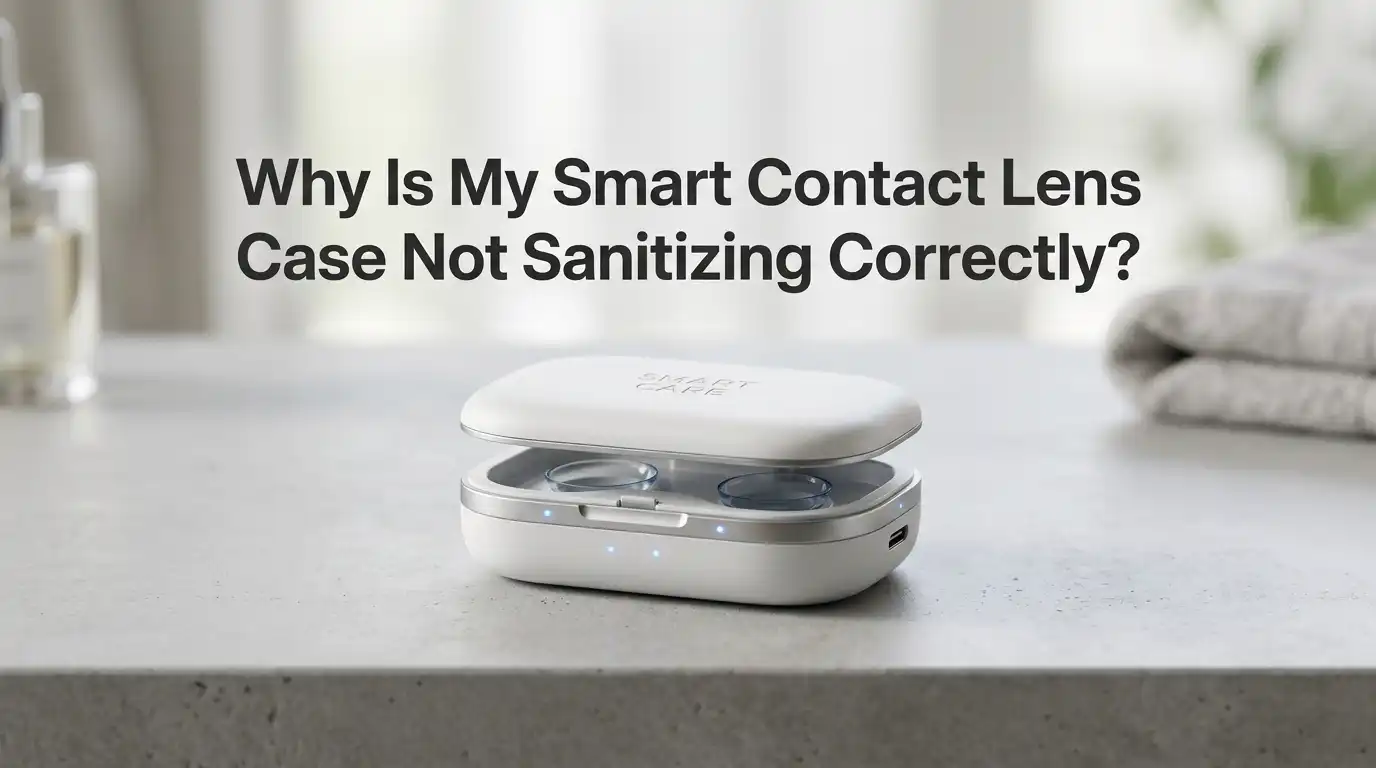
Why Is My Smart Contact Lens Case Not Sanitizing Correctly?
Your smart contact lens case promised clean, germ free lenses every morning. But lately, something feels off. Your eyes itch. The case smells strange. The little indicator light blinks oddly. You wonder if the device still works.
You are not alone in this worry. Many users face the same issue with their UV powered or ultrasonic lens cases. The good news is that most problems have simple fixes you can try at home today.
This guide walks you through every common reason your smart case may fail. You will learn how to test it, clean it, and decide when to replace it. Each section gives clear steps you can follow right now.
In a Nutshell
- Low battery or weak charge is the number one reason your case stops killing germs. The UV light or vibration motor needs full power to work. Always charge the unit fully before each cycle.
- Dirty UV bulbs or sensors block the light from reaching your lenses. Wipe the inner chamber with a soft, dry cloth weekly. Never use harsh chemicals on the bulb area.
- Wrong solution or no solution at all stops the sanitizing process. Smart cases still need fresh multipurpose or peroxide solution inside. The UV light alone cannot replace fluid disinfection.
- Biofilm buildup creates a shield that protects bacteria from UV rays. Replace your case every three months even if it looks clean. Biofilm is invisible but harmful.
- Cracked seals or loose lids let air and germs back inside after the cycle ends. Check the rubber gasket and hinge for damage each week.
- Expired or damaged UV bulbs lose strength over time. Most UV lamps last about one year of daily use. After that, the light still glows but no longer kills germs.
Check the Battery and Charging Cable First
A weak battery is the most common reason your smart case fails. The UV light needs strong, steady power to work. When the battery dips below fifty percent, the light grows dim. Dim light cannot kill bacteria fully.
Plug your case into a wall outlet, not a laptop port. Wall power gives a stronger, more stable charge. Use the cable that came with your case. Cheap third party cables often deliver less voltage and slow the charging process.
Watch the indicator light during charging. A solid green or blue light means the case is full. A blinking light often means a fault. If the light never turns solid, your battery may be dying and need replacement.
Pros of full battery charging include reliable UV output and longer device life. Cons include the wait time and the risk of overcharging cheap units that lack auto cutoff features.
Inspect the UV Bulb for Dirt or Damage
The UV bulb sits inside the lid of most smart cases. Over time, dust, lens solution spray, and skin oils coat the bulb. This film blocks the UV rays from hitting your lenses. Even a thin layer can cut the germ killing power in half.
Open the case and shine a flashlight inside. Look for cloudiness on the small bulb or quartz window. If you see haze, gently wipe it with a dry cotton swab. Never use water or alcohol on the bulb itself. Liquid can crack the glass or damage the seal.
Also check for cracks or burn marks. A damaged bulb cannot be repaired at home. You will need to replace the whole unit.
Pros of bulb cleaning include better UV output and a longer life span. Cons include the risk of scratching the bulb if you press too hard with the swab.
Confirm You Are Using the Right Solution
Smart cases do not replace contact lens solution. They work alongside it. The UV light kills germs in the air and on surfaces. The solution kills germs on the lens itself. Skipping the solution leaves your lenses unsafe to wear.
Use a fresh multipurpose solution or hydrogen peroxide system each time. Never use tap water, saline, or homemade mixes. Tap water carries a germ called Acanthamoeba that can cause serious eye infections.
Empty the case fully after each use. Pour in fresh solution every single day. Old solution loses its germ killing power within hours. Topping off old fluid is one of the biggest mistakes users make.
Pros of fresh solution use include strong disinfection and clear lenses. Cons include the ongoing cost and the need to buy refills often.
Look for Biofilm Inside the Case
Biofilm is a slimy layer that bacteria build to protect themselves. It feels slippery and may look like a thin gel coating. Once biofilm forms, UV light and solution both struggle to break through it. Your lenses end up sitting in a hidden germ pool.
Rub a finger along the inside of the case after rinsing. If the surface feels slick or sticky, biofilm is present. Biofilm can grow in just a few weeks on any case.
Rinse the case with fresh solution, then rub the inside walls with a clean fingertip for thirty seconds. Air dry it upside down on a clean tissue. Heat and air help kill what is left.
Pros of regular biofilm removal include safer storage and fewer eye infections. Cons include the time needed and the fact that biofilm always comes back if you skip cleaning.
Replace Your Case Every Three Months
No matter how well you clean your smart case, it has a limited life. Plastic wears down. Seals weaken. Biofilm builds up in spots you cannot reach. Eye doctors agree that three months is the safe limit.
Mark your calendar or set a phone reminder. Some smart cases have a built in timer that flashes when replacement is due. Do not ignore this warning even if the case looks fine.
If your case is part of a charging dock, you may only need to replace the inner cups. Check the maker’s guide for replacement parts. Keep a spare set in your drawer so you never delay the swap.
Pros of regular replacement include consistent germ killing and peace of mind. Cons include the cost of buying new cases and the small waste of plastic each cycle.
Test the UV Cycle Length and Timer
Most smart cases run a UV cycle between two and ten minutes. If your case stops too soon, the germs survive. If it never stops, the bulb burns out faster. Check the user manual for the correct cycle time.
Run a test cycle with the case empty. Time it with your phone stopwatch. Compare the result to the maker’s listed cycle time. A short cycle often means the timer chip is failing.
Some cases let you choose between quick and deep clean modes. Always use the deep clean mode at least once a week. Daily quick cycles do not reach every corner.
Pros of cycle testing include early problem detection and better cleaning. Cons include the time spent testing and the fact that some cases hide the cycle time inside an app.
Update the App and Firmware
Many smart cases pair with a phone app. The app controls cycle length, sends reminders, and tracks bulb life. Outdated apps often fail to start the UV cycle correctly. Your case may seem broken when the real problem is software.
Open your app store and check for updates. Install any pending update for the case maker’s app. Then open the app and check the firmware section. Firmware updates fix bugs that block the UV light or charging.
Restart your phone after updating. Reconnect the case by Bluetooth. Run a test cycle to confirm the fix.
Pros of regular updates include new features and bug fixes. Cons include the small risk of a bad update that breaks the device until the next patch arrives.
Watch for Cracks, Loose Lids, and Worn Seals
A smart case only works if it stays sealed during the cycle. Air leaks let new germs in right after cleaning. A cracked lid is just as bad as no lid at all.
Hold the case up to a light. Look for hairline cracks along the hinge and base. Press the lid shut and try to wiggle it. A loose lid means the seal is worn. Check the rubber gasket around the rim for tears or stretched spots.
If you find damage, replace the case right away. Tape and glue cannot fix a contact lens case. The eye is too sensitive for half measures.
Pros of regular inspections include catching small issues before they cause infections. Cons include the worry of finding a problem at a bad time, like during travel.
Avoid Common Cleaning Mistakes
Some users harm their smart cases without knowing. Soap leaves a residue that irritates eyes. Hot water warps the plastic. Isopropyl alcohol strips the antibacterial coating off the inner walls.
Stick to fresh contact lens solution for daily rinses. Once a week, rub the inside with a clean fingertip while rinsing. Air dry the case upside down on a clean paper towel. Never use a cloth towel since fibers can stick to the case and end up on your lens.
Skip the dishwasher and the microwave. Heat and harsh detergents ruin the electronics in smart cases.
Pros of gentle cleaning include longer case life and safer lenses. Cons include the need to buy more solution and the slower drying time compared to towel drying.
Store the Case in a Dry, Clean Spot
Where you keep your case matters. Bathrooms are humid and full of airborne germs. Toilet flushes can spray bacteria across nearby surfaces. A damp shelf is a perfect home for mold.
Move your case to a dry bedroom drawer or a sealed bag inside the bathroom cabinet. Keep it away from open sinks and toilets. Do not store it on the kitchen counter where food splashes can land on it.
When you travel, use a clean zip pouch. Empty the case fully before packing. Refill with fresh solution at your destination.
Pros of smart storage include fewer outside germs and a longer case life. Cons include the extra step of moving the case and remembering where you placed it.
Know When to Call the Maker or See an Eye Doctor
Some problems need expert help. If your case stays broken after you try every step above, contact the maker. Most brands offer a one year warranty. Send them photos of the damage and your purchase receipt.
See your eye doctor if you have any of these signs: redness, pain, blurry vision, light sensitivity, or eye discharge. These can mean a serious infection that no amount of case cleaning will fix. Stop wearing your lenses right away.
Bring your case to the appointment if you can. The doctor may want to test it for germs.
Pros of getting help include fast answers and proper care. Cons include the cost of a visit and the time off lens wear during treatment.
Frequently Asked Questions
How often should I run the UV cycle on my smart contact lens case?
Run the UV cycle every time you store your lenses, which is usually once per day. Daily cycles keep germ levels low. Skipping days lets bacteria grow and form biofilm that resists future cleaning.
Can I use a smart contact lens case without any solution inside?
No, you still need fresh contact lens solution. The UV light kills germs in the air and on the case walls, but the solution does the deep work on your lens surface. Both must work together for safe wear.
Why does my smart case smell bad even after cleaning?
A bad smell often means biofilm or mold has formed inside. Replace the case right away. Smells in the case can also come from dirty lenses, so check your hand washing habits before each handling session.
How do I know if my UV bulb is still working?
Look for a clear blue or violet glow during the cycle. A weak or yellow glow means the bulb is failing. Most UV bulbs last about one year of daily use before they lose germ killing power.
Is it safe to look at the UV light while it works?
No, never stare into the UV light. UV C rays can damage your eyes and skin. Close the lid fully before starting the cycle. If the lid does not close, stop using the case until you fix or replace it.
Can I clean a smart case with hydrogen peroxide solution?
Yes, you can rinse the case with hydrogen peroxide based contact lens solution. Follow the maker’s instructions for neutralizing time. Never pour straight hydrogen peroxide from a drug store bottle since it can harm your eyes if not neutralized.
Note that this guide covers general care tips, and you should always follow your specific case maker’s instructions and your eye doctor’s advice for the safest results.

Hi, I’m Jessamine Rowell, the founder and voice behind ResizeMake (https://resizemake.com/), a space where I share my love for technology with the world. I write detailed and honest reviews on the latest tech products, gadgets, electronic devices, and trending Amazon items to help readers make smarter buying decisions.