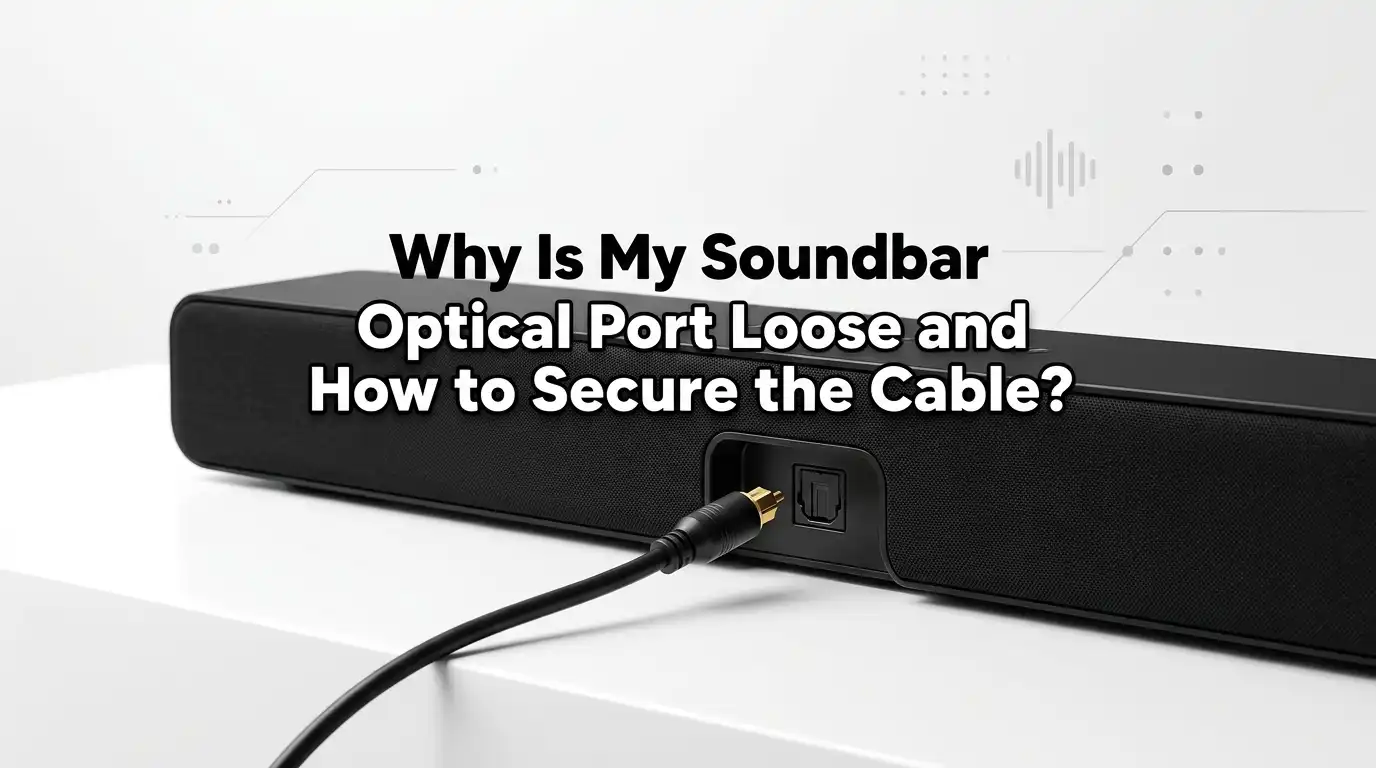
Why Is My Soundbar Optical Port Loose and How to Secure the Cable?
A loose optical port on your soundbar can turn movie night into a frustrating mess. The cable slips out, the sound cuts off, and you keep wiggling things just to get audio back. This problem is more common than you think, and the good news is that you can fix it at home.
In this guide, I will walk you through every reason your soundbar optical port feels loose. You will learn safe ways to secure the cable, repair the port, and prevent damage in the future. The steps are simple, tested, and budget friendly. Let us dive in.
In a Nutshell
- Loose optical ports usually happen because the tiny plastic door inside the TOSLINK slot breaks off, dust builds up, or the cable tip is worn out.
- A broken internal flap is the most common reason your cable will not click into place. This flap normally helps lock the connector in position.
- You can secure the cable using Post It notes, electrical tape, foam wedges, or a right angle TOSLINK adapter held with zip ties.
- Always check the cable tip for cracks, dust, or bent plastic before blaming the soundbar port. Sometimes the cable itself is the real problem.
- If the port is fully broken, switching to HDMI ARC or using a Bluetooth connection is often easier than repairing the optical slot.
- Handle optical cables gently. They contain fragile glass or plastic fibers that break easily when bent or pulled hard.
What Does a Soundbar Optical Port Actually Do?
The optical port on your soundbar is called a TOSLINK port. It accepts a digital audio signal sent through a fiber optic cable. The signal travels as pulses of light rather than electrical current.
Inside the port sits a small light receiver that reads these pulses. A thin plastic shutter or door covers the opening to keep dust out. When you push the cable in, this door swings open and the connector clicks into place.
The fit is supposed to feel snug. If the cable wobbles, the light beam misaligns, and the sound drops out. That is why a tight, stable connection matters so much for clean audio.
Why Is My Soundbar Optical Port Loose in the First Place?
Several things can make the port feel loose. The most common cause is a broken internal flap. People push the cable in too hard or at the wrong angle, and the plastic door snaps off.
Sometimes the retention clips inside the slot wear down after years of plugging and unplugging. Other times, dust and lint build up and prevent the cable from seating deeply. A bent or worn cable tip is another silent culprit.
In rare cases, the port itself sits loosely on the circuit board due to a weak solder joint. This is more serious and needs internal repair. Most of the time though, the fix is simple and external.
Signs Your Optical Port Is Damaged
You should know how to tell a damaged port from a bad cable. The first clue is a missing click sound when you insert the connector. A healthy port gives a soft snap.
Look inside the slot with a flashlight. If you see a broken plastic piece lodged near the opening, the shutter is gone. You might also notice the cable falling out from gravity alone.
Other signs include crackling audio, intermittent sound dropouts, and the cable rotating freely once inserted. If you wiggle the cable and the sound returns, the port is clearly not gripping the connector. That is your green light to start the fixes below.
Check the Cable Before Blaming the Port
Always test the cable first. A worn cable tip can mimic a loose port. Pull out the red protective cap on each end of the cable if it is still attached. Many people forget this small step.
Inspect the connector tip for cracks, dust, or melted plastic. Shine a flashlight into one end and check if the light passes through to the other side. If no light comes through, the cable is broken inside.
Try the same cable in a different optical device, like a TV or DVD player. If it feels loose there too, the cable is your problem. Pros: this test costs nothing. Cons: it does not help if you only own one cable.
Clean the Optical Port Properly
Dust and lint inside the port can stop the cable from seating fully. Cleaning is the easiest fix you can try. Start by powering off the soundbar and unplugging it from the wall.
Use a can of compressed air and give the port two or three short bursts. Hold the can upright to avoid spraying moisture. You can also use a soft, dry cotton swab to gently sweep the inside.
Never use rubbing alcohol or wet cloths inside the port. The optical sensor is sensitive to liquid. Pros: cleaning is fast and risk free. Cons: it only helps if dust is the actual cause, which is not always true with severe wobble issues.
The Post It Note Trick for a Loose Port
This trick is famous among home audio fans, and it works surprisingly well. Take a small sticky note and fold the sticky strip onto itself so it becomes a thin firm tab. Tear off this folded strip.
Position the strip next to the optical cable connector and push them in together. The strip acts as a wedge that fills the empty space where the broken flap used to be. You should feel the cable lock more firmly.
The pressure holds the connector against the optical sensor inside. Pros: free, reversible, and easy to redo. Cons: it is a temporary solution and the paper may shift if the soundbar gets moved often.
Use Electrical Tape to Reduce Wiggle
Electrical tape is another quick fix that many people swear by. Wrap a thin layer of tape around the body of the optical cable connector, just behind the tip. Keep the wrap tight and even.
The added thickness makes the connector fit more snugly inside the loose port. Plug it in slowly and check if the wobble is gone. If it still moves, add one more layer of tape and try again.
Pros: cheap, simple, and works on almost any cable. Cons: the tape can leave sticky residue on the connector over time. It also makes the cable harder to remove later, so use it only if you plan to keep it plugged in.
Try a Right Angle TOSLINK Adapter
A right angle TOSLINK adapter is a small accessory that plugs into the optical port and lets the cable exit sideways. This reduces the pulling force on the port and the cable.
Once the adapter is in, you can secure it with nylon zip ties attached to the rear of the soundbar or a nearby cable channel. The adapter holds the cable straight and stops gravity from tugging on it.
Pros: gives a permanent and tidy solution, perfect for wall mounted soundbars. Cons: adds another connection point that could fail, and some cheap adapters reduce signal quality if poorly built. Pick one with solid metal housing if possible.
Replace the Cable with a Locking Style Connector
Some optical cables come with reinforced or locking style tips. The connector has a slightly larger collar that grips the port more firmly. If your current cable is old or worn, swapping it for a better one can solve the issue.
Look for a cable with a gold plated or metal housing tip. These hold their shape longer than basic plastic ones. Avoid extremely long cables, since they put more weight on the port.
Pros: clean fix without modifying your soundbar, and you get better audio reliability. Cons: not all locking style cables fit every port, and they cost more than basic cables. Always check the connector shape before buying.
Switch to HDMI ARC or Bluetooth Instead
If the optical port is fully broken, you do not have to keep fighting it. Most modern soundbars also support HDMI ARC or Bluetooth audio. Both options can carry stereo or surround sound easily.
HDMI ARC sends audio from your TV to the soundbar through a single HDMI cable. You just plug it into the port labeled ARC on both devices. Bluetooth removes the cable entirely and lets you stream wirelessly.
Pros: avoids the broken port completely, and HDMI ARC even supports volume control through your TV remote. Cons: older soundbars may lack HDMI ARC, and Bluetooth can suffer from slight audio lag during video playback.
When to Open Up the Soundbar for Internal Repair
If none of the external tricks work, the port may have a broken solder joint on the circuit board. This means the port itself is loose, not just the cable. Repairing it requires opening the soundbar.
Unscrew the back panel carefully and locate the optical port on the board. Look for cracked solder pads or a tilted port. A quick reflow with a soldering iron can secure it again if you know how to handle electronics.
Pros: a true permanent fix that restores the original function. Cons: it voids any warranty, and one wrong move can damage the board. Only attempt this if you have soldering experience or a friend who does.
Tips to Prevent Future Optical Port Damage
Prevention is always better than repair. Always insert the cable straight into the port, never at an angle. Hold the connector by its base, not the tip, when plugging it in.
Avoid pulling the cable to disconnect it. Instead, grip the plastic connector body and pull gently in a straight line. Keep pets and curious kids away from the back of the soundbar, since the optical door is fragile.
Route the cable so it has some slack and does not hang heavy from the port. Store extra cables in loose coils, never tight bends. A little care goes a long way and saves you from another repair session down the line.
Final Thoughts on Fixing a Loose Soundbar Optical Port
A loose optical port is annoying but rarely the end of your soundbar. Most fixes take just a few minutes and use items already in your home. Start with the cheapest steps first.
Clean the port, test the cable, and try the Post It note trick. If those fail, move on to a right angle adapter or a new cable. Switching to HDMI ARC is often the smartest long term move for a fully broken port.
Treat your optical cables gently and they will last for years. With the right fix, your soundbar will keep delivering crisp audio for every show, game, and movie night ahead.
Frequently Asked Questions
Can a loose optical port damage my soundbar permanently?
A loose port itself will not damage other parts of the soundbar. However, repeated jostling can wear down the internal optical sensor over time. If the cable falls out often, your audio signal will drop, but the soundbar electronics stay safe.
Is it safe to use tape inside the optical port?
You should never push tape inside the port. Wrapping tape around the cable connector itself is fine and very common. Keep the tape thin so the connector still fits, and avoid letting sticky residue touch the optical sensor.
How long does an optical cable usually last?
A well treated optical cable can last around 25 years. The fibers inside are durable as long as you do not bend, twist, or step on the cable. Most failures come from rough handling, not aging.
Why does my optical cable not click into place?
The click usually comes from the internal plastic door locking against the connector collar. If the door is broken or missing, you will not hear the click. The cable can still work, but it will sit loose.
Should I repair the port or just buy a new soundbar?
It depends on the soundbar value. If your unit is old or low cost, switching to HDMI ARC or Bluetooth is easier than repair. For high end soundbars, a professional repair or internal solder fix is worth the effort.
Can dust really cause a loose optical connection?
Yes, dust and lint can build up inside the port and stop the cable from seating fully. A quick blast of compressed air often restores a snug fit. Clean the port every few months if your room collects a lot of dust.
Does a loose optical port affect sound quality?
It can. When the connector wobbles, the light beam misaligns with the sensor. You may hear crackling, dropouts, or no sound at all. Securing the cable usually brings the audio back to full clarity right away.

Hi, I’m Jessamine Rowell, the founder and voice behind ResizeMake (https://resizemake.com/), a space where I share my love for technology with the world. I write detailed and honest reviews on the latest tech products, gadgets, electronic devices, and trending Amazon items to help readers make smarter buying decisions.