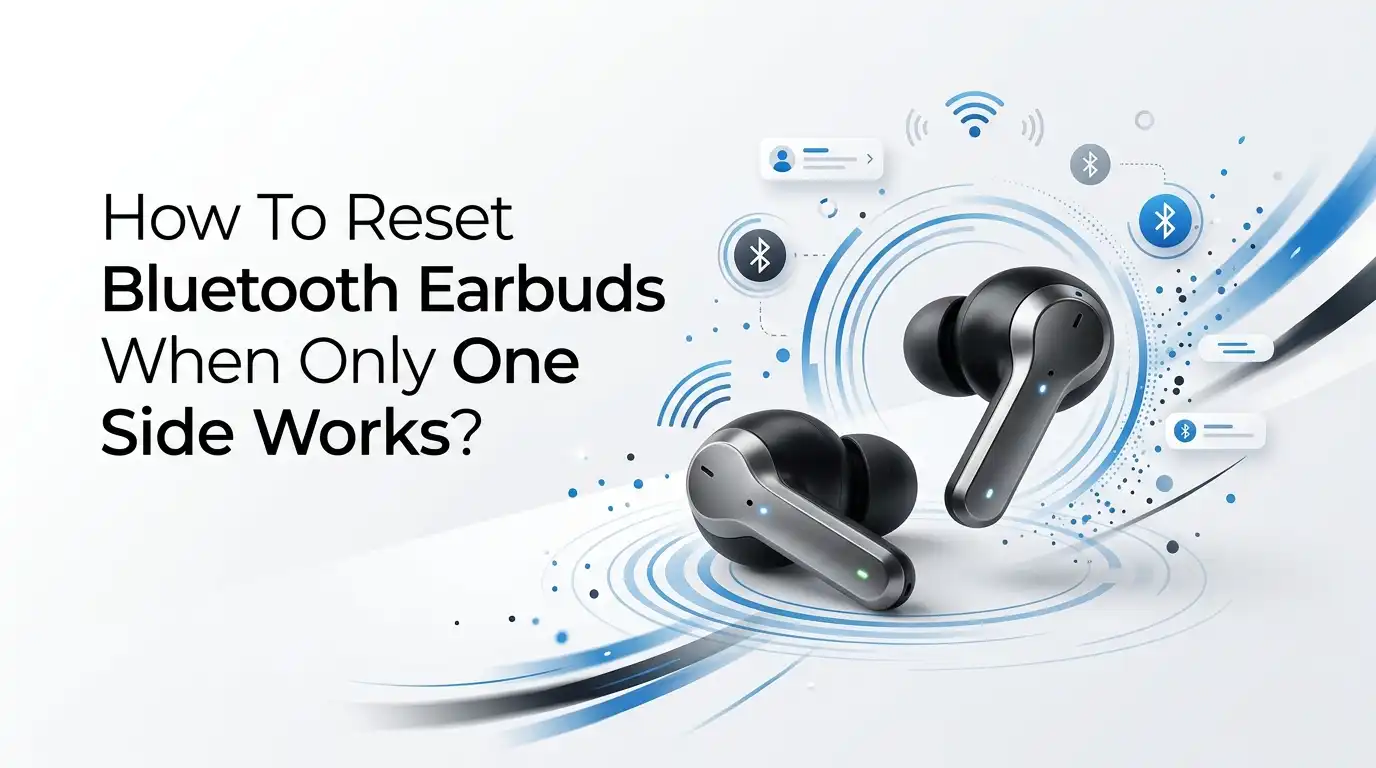
How To Reset Bluetooth Earbuds When Only One Side Works?
You put in both earbuds. You press play. Only one side comes alive. The other sits silent in your ear like a tiny piece of dead plastic. It is one of the most annoying tech problems out there, and it almost always strikes at the worst moment.
Here is the good news. Most one sided earbud problems are not permanent. In many cases, a simple reset brings the quiet earbud right back to life. You do not need tools. You do not need to be a tech expert. You just need the right steps in the right order.
This guide walks you through every fix that actually works. We start with the easy stuff, then move to full factory resets, then cover what to do if nothing helps.
In a Nutshell:
- A reset fixes most cases. When one earbud goes silent, the cause is often a broken Bluetooth link between the two buds, not a dead speaker. A proper reset clears this and re syncs both sides.
- Always “Forget” the device first. Before any reset, delete the earbuds from your phone Bluetooth list. Old pairing data is a top reason buds refuse to sync correctly.
- Reset both earbuds at the same time. True wireless buds must reset together so they can find each other again. Resetting only one side rarely works.
- Clean before you blame the hardware. Earwax and dust block the speaker mesh and charging pins. A quick clean fixes a surprising number of “dead” earbuds.
- Charge fully before testing. A low battery in one bud can mute that side completely. Give both buds a full charge in the case first.
- Hardware damage needs a different path. If resets and cleaning fail, the issue may be a broken driver or warranty repair territory.
Why Does Only One Earbud Stop Working?
Before you fix the problem, it helps to know what causes it. One sided audio is usually a software or connection issue, not a broken speaker. Your two earbuds work as a team. One acts as the “master” that talks to your phone, and the other follows along. When that link drops, only one side plays.
The most common causes are a corrupted Bluetooth connection, a low battery in one bud, dirty charging contacts, or outdated firmware. Sometimes the buds even show up as two separate devices in your phone settings, which is a clear sign the sync broke.
The reason this matters is simple. Knowing the cause tells you which fix to try first. A reset solves connection problems. Cleaning solves blockage problems. Charging solves battery problems.
Step One: Charge Both Earbuds Fully Before Anything Else
This sounds too basic to matter, but it fixes more problems than people expect. A dead or nearly dead earbud will stay silent no matter what you do. One bud often drains faster than the other, especially if it sits crooked in the case and does not charge properly.
Place both earbuds in the charging case. Close the lid. Leave them alone for at least thirty to sixty minutes. Then check the case light or your earbud app to confirm both buds show a charge.
Pros: This step is free, easy, and risk free. It often revives a “dead” side instantly. Cons: It does not help if the real problem is a broken sync or a hardware fault. Still, never skip it. A full charge gives every later step the best chance to succeed.
Step Two: Clean the Charging Contacts and Speaker Mesh
Dirt is a silent earbud killer. Earwax, lint, and dust clog the speaker grill and block the tiny metal charging pins. When the pins are dirty, one bud may not charge at all, which leaves it silent.
Take the quiet earbud out. Look closely at the metal contacts and the mesh speaker grill. Use a soft dry brush, a clean cotton swab, or a wooden toothpick to gently lift away any buildup. For stubborn grime, dampen a swab with a little isopropyl alcohol and wipe the metal contacts. Clean the matching pins inside the case too.
Pros: Cleaning fixes charging and sound blockage at the same time, and it costs nothing. Cons: Push too hard and you can damage the mesh or push wax deeper. Always go gently, and let everything dry fully before charging again.
Step Three: Forget the Earbuds in Your Phone Settings
This is the step most people skip, and it is one of the most important. Old pairing data confuses your earbuds and stops them from syncing as a pair. Sometimes your phone clings to a half broken connection that only feeds one bud.
Open your phone settings. Go to Bluetooth. Find your earbuds in the list. Tap the small info icon or gear next to the name, then choose “Forget This Device” or “Unpair.” If your buds show up twice as two separate entries, forget both of them.
Pros: This clears corrupted connection data and forces a fresh, clean pairing. It often fixes the “two separate devices” problem on its own. Cons: You will need to pair the buds again afterward, and you may need to re pair them with your other devices too. It is a small price for a working pair.
Step Four: The Simple Restart and Re Sync Method
Sometimes you do not even need a full factory reset. A quick restart re links the two buds. This works because placing the buds in the case and removing them together triggers their automatic pairing handshake.
Turn off Bluetooth on your phone first. Place both earbuds in the case and close the lid for about ten seconds. Open the lid. Remove both buds at the same time so they can find each other. Wait a few seconds for them to connect to one another. Then turn Bluetooth back on and reconnect.
Pros: Fast, simple, and it keeps your saved settings intact. Many users fix one sided sound with this trick alone. Cons: It does not work if the pairing data is deeply corrupted. If the silent side stays quiet after this, move on to the full factory reset below.
Step Five: How To Factory Reset Most True Wireless Earbuds
When the simple methods fail, a full factory reset is your strongest tool. A factory reset wipes all stored connections and forces both buds to rebuild their bond from scratch. This is the fix that solves the majority of stubborn one sided cases.
The exact steps vary by brand, but the general method is the same. Make sure your phone has forgotten the buds first. Then:
- Place both earbuds in the open charging case.
- Press and hold the button on the buds or case for ten to fifteen seconds until the lights flash, often blinking red or white several times.
- Watch for the lights to flash a set number of times, which confirms the reset.
- Remove both buds together and let them re sync.
- Open your phone Bluetooth and pair them as new.
Pros: It clears almost every software and sync error. Cons: You lose custom settings and must re pair every device.
Step Six: Reset Earbuds With a Button on the Charging Case
Many earbuds hide a small physical reset button on the case itself. This button gives you a clean hardware level reset when touch controls fail to respond. It is common on budget and mid range true wireless models.
Look on the back, inside, or bottom of your charging case for a tiny pinhole or small button. With both earbuds seated inside and the lid open, press and hold this button for about fifteen to twenty seconds. Watch the case LED. It often flashes a color, such as orange or white, then turns off. Release the button when it does.
After the reset, the lights should signal the buds are ready to pair. Pros: This method works even when the touch sensors on a bud have stopped responding. Cons: Not every case has this button, and the exact timing differs between brands, so a quick check of your manual helps.
Step Seven: Reset Steps for Touch Control Earbuds
Some modern earbuds have no buttons at all. They use touch sensors on the surface of each bud. Resetting these requires a specific tap and hold pattern rather than a long press.
A method that works for many touch control buds goes like this. Take both buds out of the case. Tap each bud quickly about five times to power them off.
Then touch and hold both buds until the indicator lights flash, which signals the reset and pairing mode. Some models need you to hold past the normal pairing stage until you hear or see a “reset” confirmation.
Pros: No buttons to press means less wear over time, and the reset is fast once you know the pattern. Cons: Touch resets are easy to get wrong, and a sensor that has failed will not respond to taps at all. If one bud ignores every tap, the sensor itself may be damaged.
How To Reset Popular Earbud Brands
Reset steps differ across brands, so here is a quick map of the most common ones. Each maker uses its own button combination, but the goal is always the same: wipe the pairing and re sync.
For Samsung Galaxy Buds, place both buds in the case, open the lid, then press and hold the touchpad of each bud until the light flashes green. You can also reset them inside the Galaxy Wearable app under “About earbuds.”
For AirPods, open the lid, hold the button on the back of the case for about fifteen seconds until the light flashes amber then white. For many budget true wireless buds like QCY, JBL, or Soundcore, the case button or a five tap then hold pattern does the job.
Pros: Brand specific steps are precise and reliable. Cons: You must match the steps to your exact model, since even buds from the same maker can differ. When unsure, check the maker’s app or support page.
Step Eight: Update the Firmware on Your Earbuds
Outdated software can cause one sided audio and sync failures. Firmware updates fix bugs that break the connection between your two earbuds. Makers release these updates often, and skipping them leaves old problems in place.
Download the companion app for your earbud brand, if one exists. Connect the working earbud so the app can see your buds. Look for a firmware or software update option in the settings. Keep both buds in the case and near your phone during the update, and do not let the battery run out mid update.
Pros: Updates can permanently fix sync glitches and even improve sound and battery life. Cons: Not every brand offers an app, and updates need a stable connection, which is tricky if one bud will not link. In that case, do your reset first, then update once both sides connect.
Step Nine: Test Your Earbuds on Another Device
If resets do not work, you need to find out whether the fault is the earbuds or your phone. Testing on a second device tells you exactly where the problem lives.
Pair your earbuds with a different phone, tablet, or laptop. Play audio and listen to both sides. If both buds work on the new device, the problem is with your original phone, its Bluetooth settings, or its audio balance. If only one side plays on every device, the fault is in the earbuds themselves.
While you are at it, check your phone audio balance. Go into accessibility or sound settings and make sure the left and right balance slider sits in the center.
A slider pushed to one side will silence the other ear and fool you into thinking a bud is broken. Pros: This step saves hours of pointless resetting. Cons: You need a spare device handy, though most homes have one.
What To Do When the Reset Does Not Work
Sometimes you try everything and one bud stays silent. When resets, cleaning, and re pairing all fail, the cause is likely physical damage inside the earbud. The tiny speaker, called the driver, can fail, or water and drops can break internal parts.
First, check if your earbuds are still under warranty. Most makers replace faulty buds within the warranty window at no cost, and some sell single replacement buds so you do not have to buy a whole new pair. Contact their support with your purchase details.
If the buds are out of warranty, you have two choices. You can try a DIY repair using online guides for your model, though success is low and you risk permanent damage.
Or you can accept that the pair has reached the end of its life. Pros of warranty repair: It is often free and reliable. Cons: DIY fixes are risky, and very cheap buds are rarely worth repairing.
Tips To Stop One Sided Earbud Problems In The Future
Once your earbuds work again, a few habits keep them that way. Good care prevents most sync and charging problems before they start.
Keep your earbuds clean. Wipe the speaker mesh and charging pins every week or two so wax never builds up. Store the buds in their case when not in use, since this keeps them charged and protected. Make sure both buds seat correctly in the case, as a crooked bud will not charge and will go silent later.
Charge the case before it hits zero, since deep drains harm battery health over time. Install firmware updates when your app offers them, and keep your buds away from water and hard drops.
Pros: These habits cost almost nothing and add years to your earbuds. Cons: They take a little regular attention, but the payoff is a pair that just works every time you press play.
Frequently Asked Questions
Why did my earbud suddenly stop working on one side?
A sudden one sided problem usually comes from a dropped Bluetooth sync between the two buds, a low battery in one bud, dirty charging contacts, or outdated firmware. The speaker is rarely broken. A full reset, plus a clean and a charge, fixes most of these cases quickly.
Do I need to reset both earbuds or just one?
You should reset both earbuds at the same time. True wireless buds rely on a link between the two sides, and they rebuild that link during a shared reset. Resetting only one bud usually fails, because the buds need to find each other again together.
Will a factory reset delete my saved settings?
Yes. A factory reset wipes all paired devices and returns the buds to their original state. You will need to pair them again with your phone and any other devices, and you may have to redo custom touch controls or equalizer settings in the app.
My earbud still will not work after resetting. What now?
Test the buds on a second device to confirm the fault is the earbud and not your phone. Check your phone audio balance too. If one side stays silent on every device, the bud may have a hardware fault. Contact the maker about warranty repair or a single replacement bud.
How do I know if the problem is my phone instead of my earbuds?
Pair the earbuds with a different phone, tablet, or laptop. If both sides play fine on the new device, your original phone is the cause, likely a connection glitch or a balance setting pushed to one side. If only one side plays everywhere, the earbuds are the issue.
Can dirty earbuds really cause one side to go silent?
Yes, and it happens often. Earwax and lint clog the speaker mesh and muffle or block the sound. Dirt on the metal charging pins stops one bud from charging, which leaves it dead. A gentle cleaning with a dry swab or a touch of alcohol fixes many “broken” earbuds.

Hi, I’m Jessamine Rowell, the founder and voice behind ResizeMake (https://resizemake.com/), a space where I share my love for technology with the world. I write detailed and honest reviews on the latest tech products, gadgets, electronic devices, and trending Amazon items to help readers make smarter buying decisions.